Unable to format code in VSCode on MacOS using shortcut (solved)
I use VSCode as the preferred IDE always. I usually use the keyboard shortcut Option + Shift + F to format the code.
I recently installed VSCode on a new Mac and this shortcut to format code in VSCode was not formatting the code but instead entering a weird character ̰
I tried many things to fix this issue by tweaking the shortcut preferences but nothing worked. Finally I found the solution to this issue!
The issue was that I had set English - India as the input language while setting up Mac. Apparently English - India [ABC - India] doesn’t capture Option + Shift + F command so it wasn’t formatting the document.
So I had to change the language to English - US and then the keboard shortcut to format document in VSCode started working.
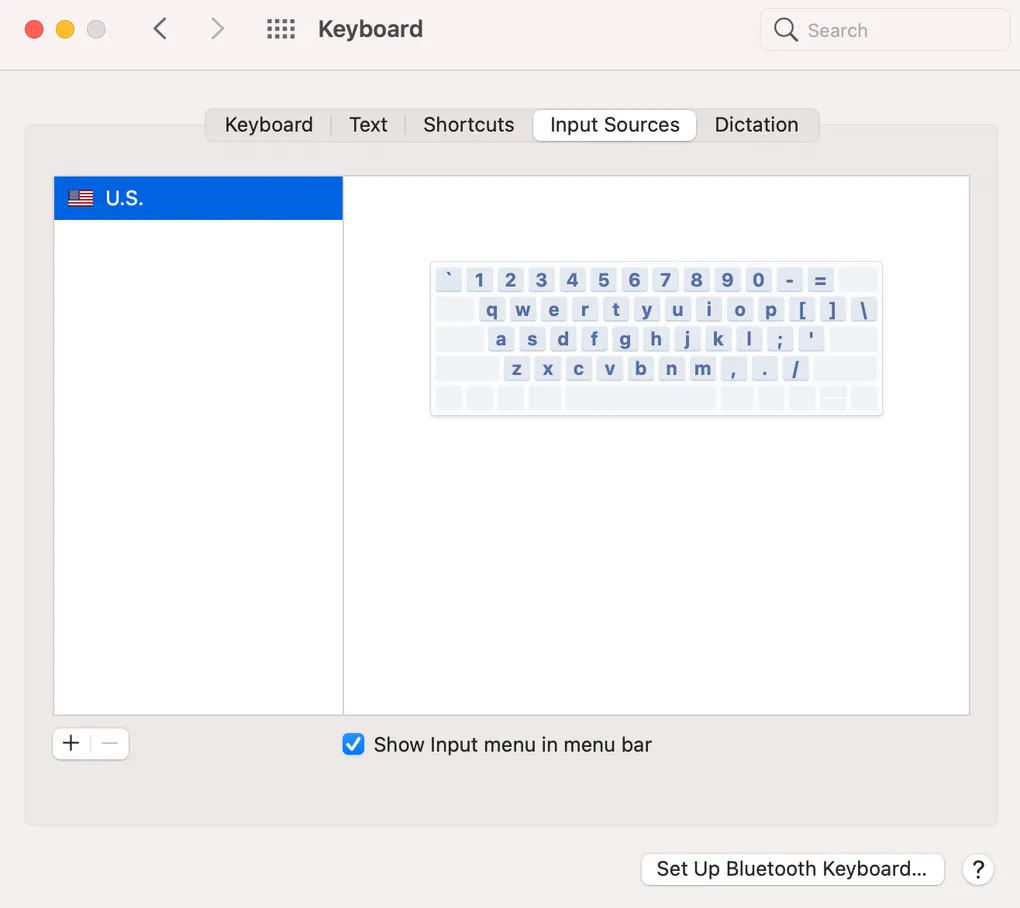
System Preferences -> Keyboard -> Input Sources (tab) -> Change to English - US
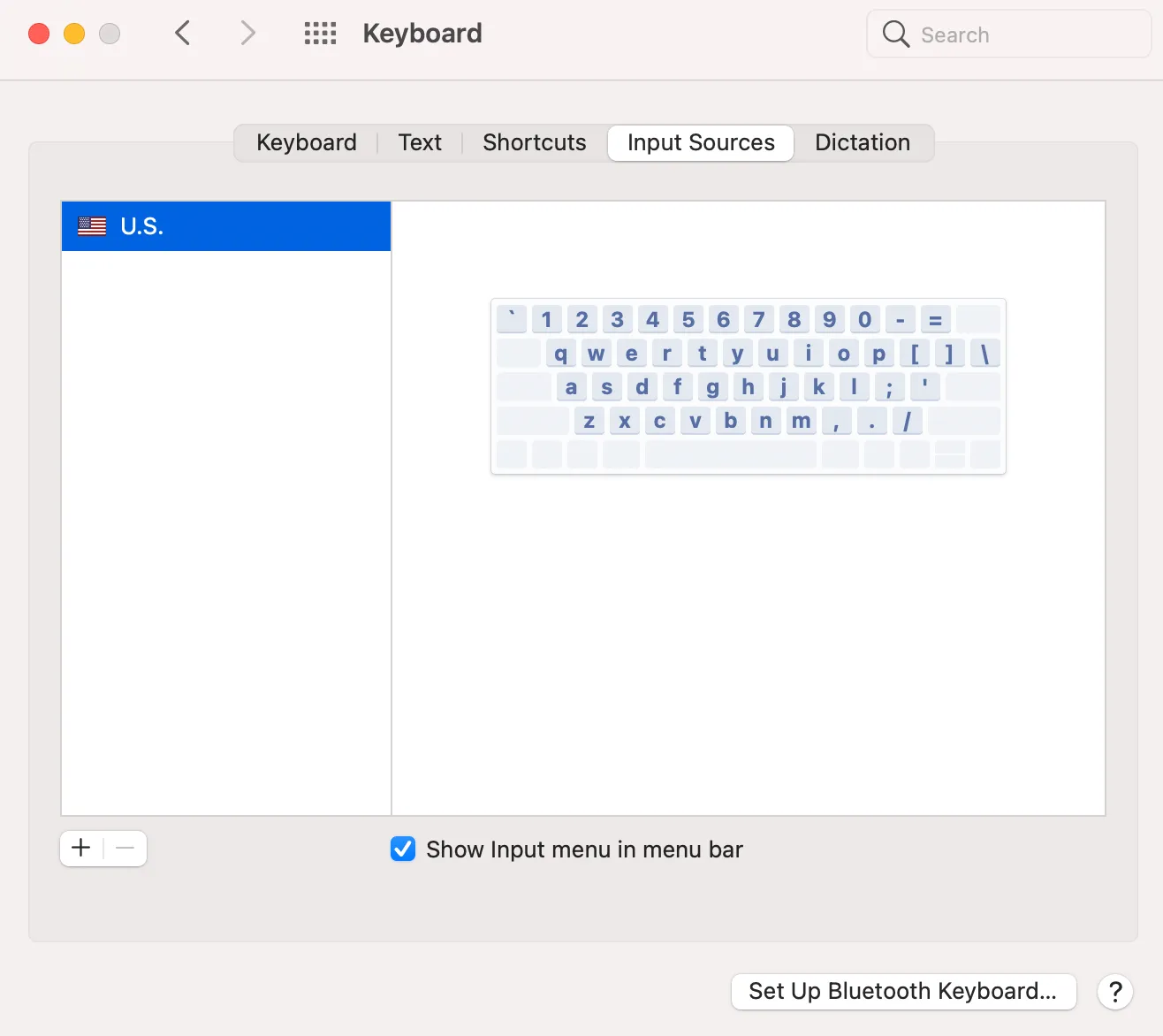
If it still doesn’t work even after changing the language to English - US then remove English - India from the list completely in Input sources of keyboard preferences.
Cheers!