
Site Maintenance Page Template: Free HTML Download
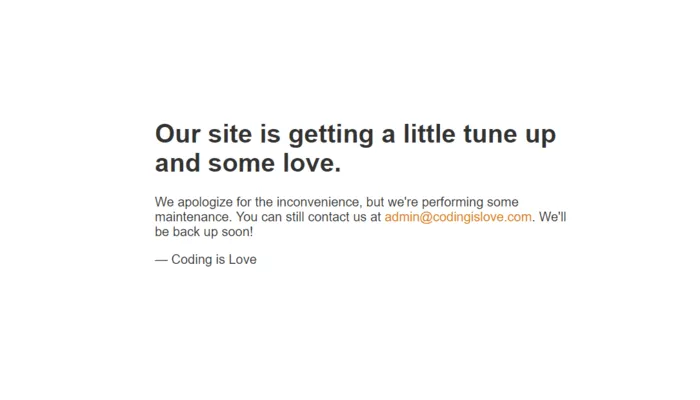
This is a free site maintenance template: a single HTML file you can copy, paste and upload to show an “under maintenance” page while you update your site. It shows the message “We apologize for the inconvenience, but we’re performing some maintenance.” with a contact email. No JavaScript, no images and no dependencies, so it loads even when your app or database is down.
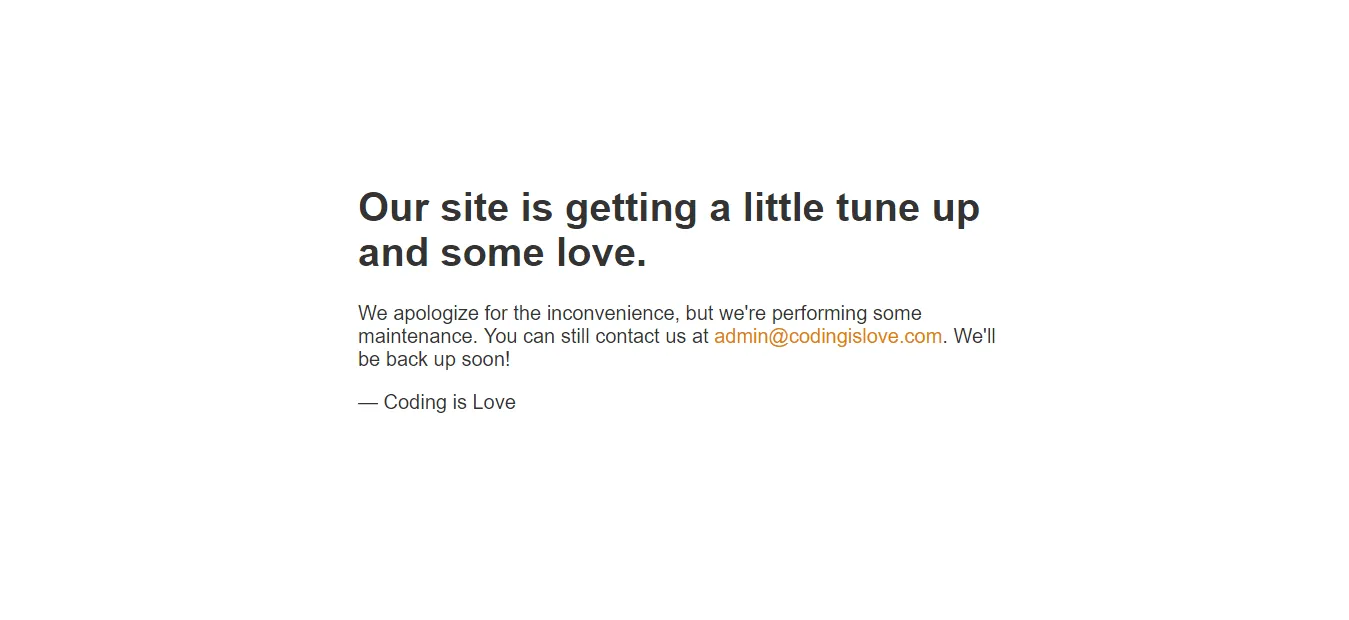
Site under maintenance HTML template (preview)
Maintenance page HTML and CSS (copy and paste)
Save this as maintenance.html. The CSS is inline, so it is the only file you need.
<!DOCTYPE html>
<html lang="en">
<head>
<meta charset="UTF-8">
<meta name="viewport" content="width=device-width, initial-scale=1">
<meta name="robots" content="noindex">
<title>Performing Maintenance</title>
<style>
      body { text-align: center; padding: 150px 20px; font: 20px Helvetica, sans-serif; color: #333; }
      h1 { font-size: 40px; }
      #article { display: block; text-align: left; max-width: 650px; margin: 0 auto; }
      a { color: #dc8100; text-decoration: none; }
      a:hover { color: #333; }
    </style>
</head>
<body>
<div id="article">
<h1>Our site is getting a little tune up and some love.</h1>
<div>
<p>We apologize for the inconvenience, but we're performing some maintenance. You can still contact us at <a href="mailto:admin@codingislove.com">admin@codingislove.com</a>. We'll be back up soon!</p>
<p>— Coding is Love</p>
</div>
</div>
</body>
</html>
Download the file (the original version of this template).
How to customise the maintenance page
- Message: change the
<h1>and the paragraph. Say when you expect to be back if you know it. - Contact: replace
admin@codingislove.comwith your own support email or a link to your status page. - Colours and font: edit the
color,fontand the link colour#dc8100in the<style>block. - Logo: add an
<img>above the heading. Keep it small, and host it on a different server if the maintenance is on your main one. - Keep it noindex: the
robotsmeta tag in the template asks search engines not to index the maintenance page itself.
Website maintenance message examples (copy and paste)
Pick the message that fits your downtime, replace the placeholders in square brackets, and paste the heading line into the template’s <h1> and the rest into its paragraph (see the HTML and CSS above). A good maintenance message says three things: that the site is down on purpose, when it will be back, and how to reach you meanwhile.
1. Planned maintenance with a time window
We’re down for scheduled maintenance. Our site is unavailable from [time] to [time] [time zone] on [date] while we carry out planned upgrades. Thanks for your patience; we’ll be back shortly.
2. Unplanned outage
We’re having some technical trouble. Our site is temporarily unavailable and our team is working on a fix right now. Please try again in a little while, or email [support email] if you need help.
3. Upgrade or new version
Something new is on the way. We’re upgrading our site to a new version and will be back on [date] at [time]. Everything you saved with us stays exactly where it is.
4. Online store
Our store is closed for maintenance. We’ll reopen at [time] on [date]. Orders placed before the downtime are safe and will be processed when we are back. Questions about an order? Write to [support email].
5. Short banner or status-bar text
Scheduled maintenance on [date], [time]-[time] [time zone]. Some features may be unavailable.
6. Notice by email or on social media, before the downtime
Heads-up: planned maintenance on [date]. Our website will be offline from [time] to [time] [time zone] while we make some improvements. Please finish anything important before then. Updates will be posted at [status page link].
7. Maintenance taking longer than expected
We need a little more time. Our maintenance is taking longer than planned. We now expect to be back by [time] [time zone]. Sorry for the wait, and thank you for bearing with us.
Keep the message short and plain: visitors skim it, so the time you expect to be back and a working contact matter more than the wording.
Serve it with a 503 status, not a 200
Search engines treat the HTTP status code as the signal for planned downtime. Return 503 Service Unavailable with a Retry-After header (seconds, here one hour) so crawlers know the outage is temporary and come back later, instead of indexing “under maintenance” as your page content. Google describes this in its guidance on HTTP status codes.
nginx (inside your server block, with maintenance.html in your web root):
error_page 503 /maintenance.html;
location / {
    return 503;
}
location = /maintenance.html {
    internal;
    add_header Retry-After 3600 always;
}
Apache (.htaccess, requires mod_rewrite and mod_headers):
ErrorDocument 503 /maintenance.html
RewriteEngine On
RewriteCond %{REQUEST_URI} !^/maintenance.html$
RewriteRule ^ - [R=503,L]
Header always set Retry-After "3600"
Cloudflare: put the HTML in a Worker that returns new Response(html, { status: 503, headers: { "Content-Type": "text/html", "Retry-After": "3600" } }), or use a Cloudflare custom error page for 5xx errors if your plan supports it.
These snippets are standard configurations and were not re-tested for this update, so try them on a staging server first. Remove the rules as soon as maintenance ends.
Maintenance page checklist
- Upload
maintenance.htmlbefore you take the site down. - Turn on the 503 rule and open your site in a private window to confirm you see the page.
- Check that your contact email works.
- Do the maintenance, then remove the rule and reload to confirm the real site is back.
Building a landing page or UI of your own? See more in our free HTML templates collection.
Cheers and Credits to Mackey Creative Lab for coding this!